
Open a tab
Start blank or bring in a transcription or supported tab file.
Create and edit guitar tabs faster with keyboard shortcuts for notes, timing, cuts, playback, bends, hammer-ons, pull-offs, and arrangement work.
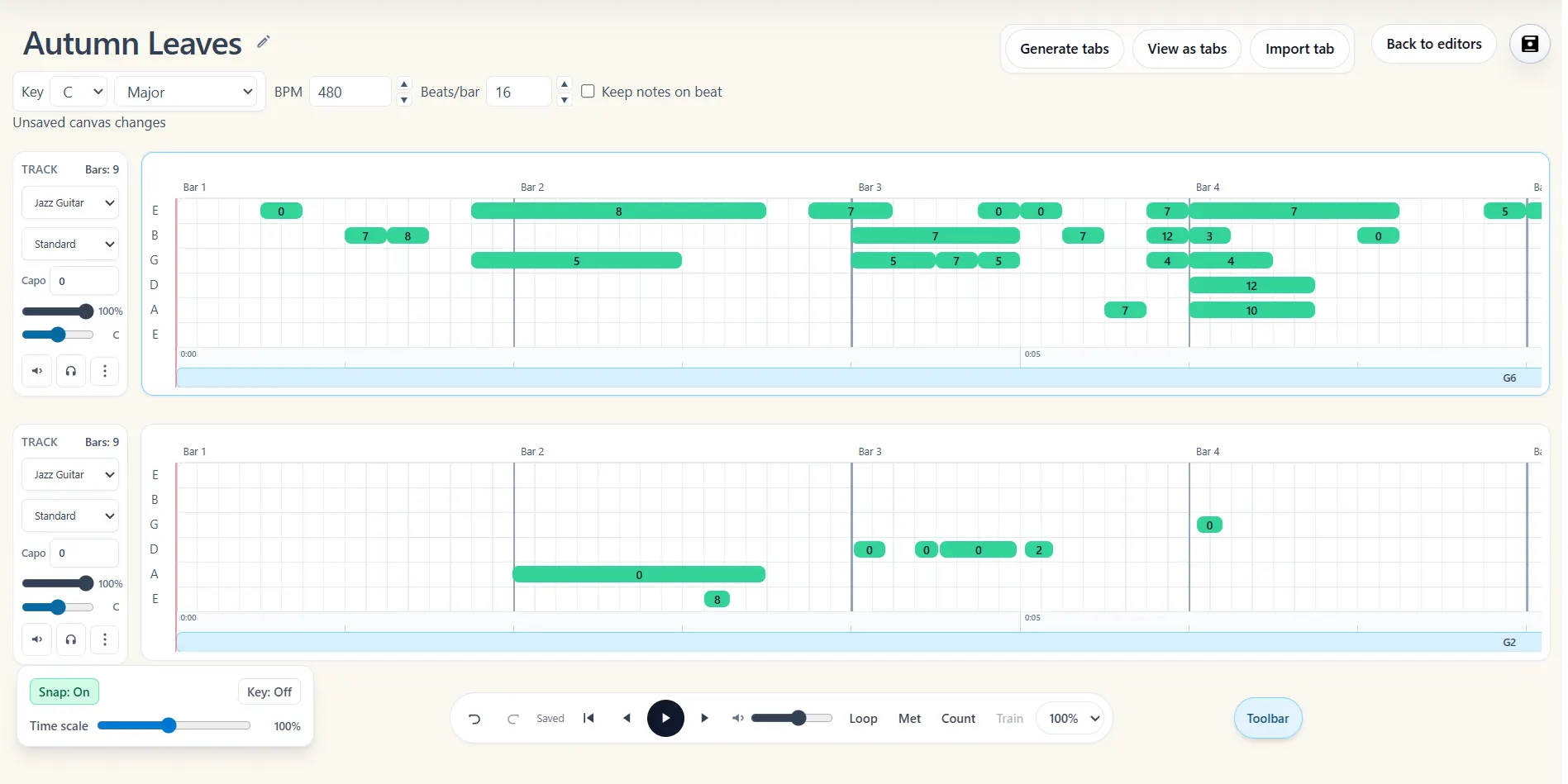
Start blank or bring in a transcription or supported tab file.
Work on individual notes, chords, bars, or a complete song section.
Use shortcuts and guitar-specific controls to shape timing, techniques, and layout.
Creating a full tab involves the same actions many times: selecting notes, moving them, changing duration, splitting sections, copying bars, and checking playback. Keyboard shortcuts keep those actions close while you write and arrange.
Note2Tabs also keeps guitar-specific expression in the creative workflow. Add bends, hammer-ons, pull-offs, slides, chord shapes, timing, and fret positions instead of flattening the music into plain numbers.
Use keyboard-driven actions for common selection, movement, timing, and playback tasks.
Represent bends, hammer-ons, pull-offs, slides, chords, and strumming details.
Cut, copy, reorder, and scale material while keeping the song organized.
The editor is a complete product for writing tabs from scratch, building arrangements, importing existing work, and practising finished parts. Note2Tabs transcriptions open in that same workspace, giving you a fast optional starting point without limiting what the editor can do.
Bends, hammer-ons, pull-offs, and slides affect both how a phrase is read and how it sounds. Keeping these techniques attached to editable note events makes the tab easier to revise and practice later.
Open the editor in guest mode, then sign in only when you want to save your work.
Yes. Note2Tabs includes shortcuts for common editor, selection, timing, snapping, and playback actions.
Yes. Guitar-specific editing includes bends, slides, hammer-ons, pull-offs, chords, and strumming information.
Yes. Note2Tabs transcriptions open as native editor projects with the full set of writing, arrangement, fingering, technique, playback, and practice tools.
Start blank, import a file, or begin with a transcription. No installation required.