
Create from sound
Turn audio or a YouTube segment into an editable guitar tab.
Open the transcriber →Go beyond placing fret numbers. Shape fingerings, harmony, rhythm, file workflows, and practice—all inside the same browser-based editor.
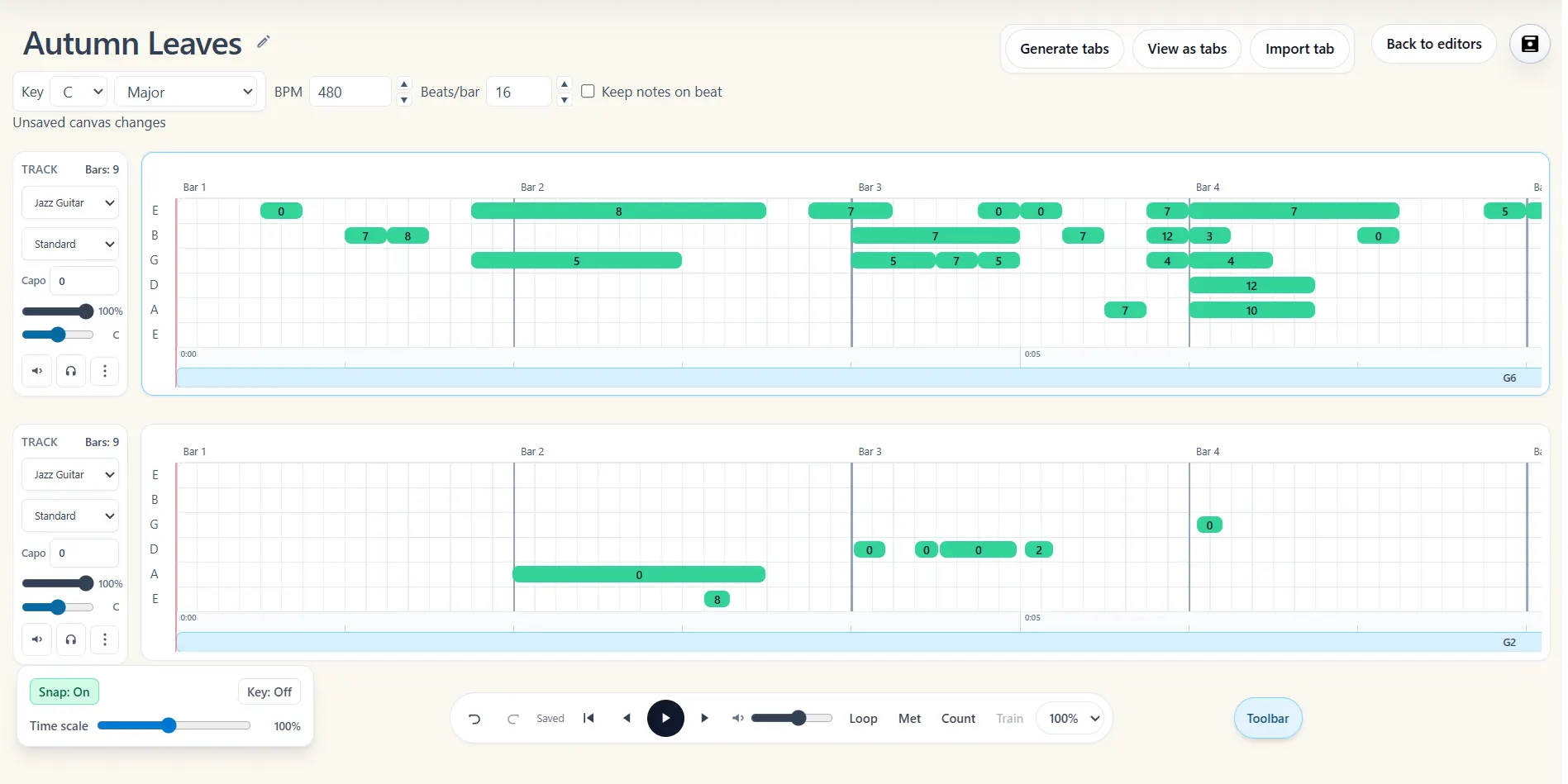
Each tool solves a different part of the workflow, but none of them sends you to a separate project. Write a note, choose its fingering, hear it, and practise it in context.
Start with a feature or open the full editor and discover the tools as you work.
Find more playable string and fret positions, compare alternate fingerings, and generate practical cut positions for guitar-tab phrases.
Explore this featureDetect the likely key of a guitar tab, snap notes to its scale, and step pitches up or down through the active key without rebuilding the tab.
Explore this featureBuild chord tracks with playable fingering diagrams, alternate voicings, and editable downstrokes, upstrokes, and muted strums.
Explore this featureCreate and edit guitar tabs faster with keyboard shortcuts for notes, timing, cuts, playback, bends, hammer-ons, pull-offs, and arrangement work.
Explore this featureOpen common guitar-tab files in your browser, edit their tracks, and export finished work as ASCII tab, MusicXML, MIDI, or Note2Tabs JSON.
Explore this featureLoop difficult guitar-tab sections, slow playback down, and increase the tempo automatically as you build accuracy and speed.
Explore this featureTurn audio or a YouTube segment into an editable guitar tab.
Open the transcriber →Write and arrange notes, positions, chords, techniques, and song structure.
Open the editor →Loop difficult bars, slow playback down, and build toward full speed.
Explore practice tools →The editor stands on its own, while the transcriber gives you another powerful way to begin. No installation required.