
Choose a tab file
Import ASCII tab, MusicXML, MIDI, or a supported Guitar Pro file from your device.
Open common guitar-tab files in your browser, edit their tracks, and export finished work as ASCII tab, MusicXML, MIDI, or Note2Tabs JSON.
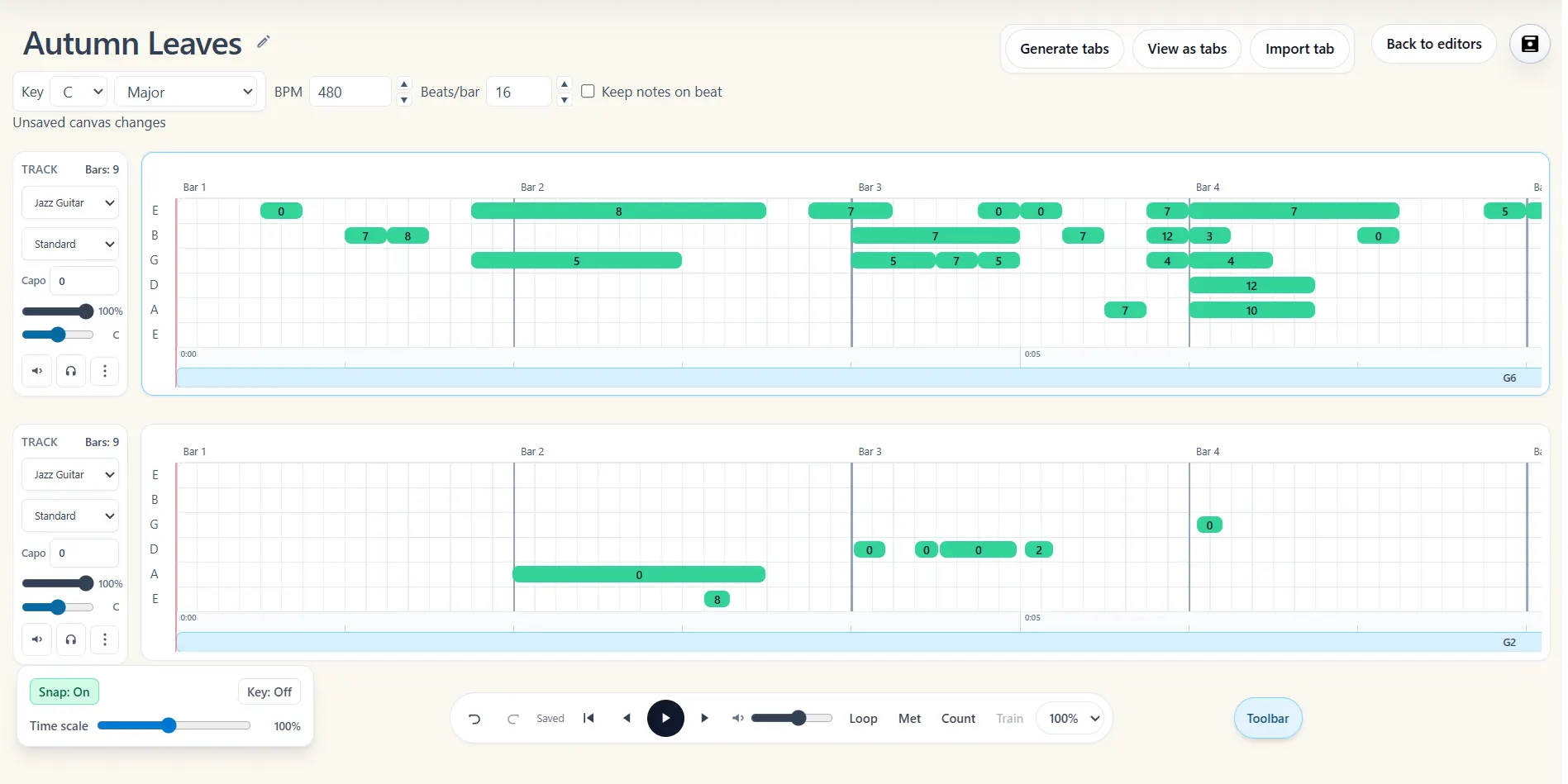
Import ASCII tab, MusicXML, MIDI, or a supported Guitar Pro file from your device.
Keep useful tracks, adjust fingerings and timing, and continue editing in the browser.
Download the selected track as TXT, MusicXML, MIDI, or Note2Tabs JSON.
Import is available for ASCII tab (.txt, .tab, .asc), MusicXML (.musicxml, .xml), MIDI (.mid, .midi), and common Guitar Pro formats (.gp, .gp3, .gp4, .gp5, .gpx, .gtp). The importer preserves usable tracks and note events so you can continue from an existing arrangement.
When the tab is ready, export the active track as readable ASCII TXT, interoperable MusicXML, MIDI, or a Note2Tabs JSON project file. Format support differs between import and export, so the original file is never silently presented as a format the editor cannot produce.
Start from ASCII, MusicXML, MIDI, or supported Guitar Pro files.
Bring compatible tracks into one project and choose what to keep or edit.
Download TXT, MusicXML, MIDI, or Note2Tabs JSON from the editor.
The browser importer reads ASCII text tab, standard or compressed MusicXML, MIDI, and common Guitar Pro files. PowerTab, TablEdit, and TuxGuitar extensions are recognized, but currently need conversion to Guitar Pro, MusicXML, MIDI, or ASCII before their musical contents can be imported.
Use TXT when you need portable text tablature, MusicXML when moving the score to notation software, MIDI when another music tool needs note events, and Note2Tabs JSON when preserving editor-specific project data.
Open the editor in guest mode, then sign in only when you want to save your work.
Note2Tabs can import .gp, .gp3, .gp4, .gp5, .gpx, and .gtp files for editing in the browser.
Yes. Plain-text .txt, .tab, and .asc guitar tablature files are supported within the documented file limits.
The editor exports TXT, MusicXML, MIDI, and Note2Tabs JSON. It does not currently export a native Guitar Pro file.
Start blank, import a file, or begin with a transcription. No installation required.