
Notes and timing
Write melodies and riffs, control their rhythm, and hear every change during playback.
Create, arrange, play, practise, and organize guitar tabs in a complete browser-based editor. Start from a blank tab, import a file, or bring in a Note2Tabs transcription.
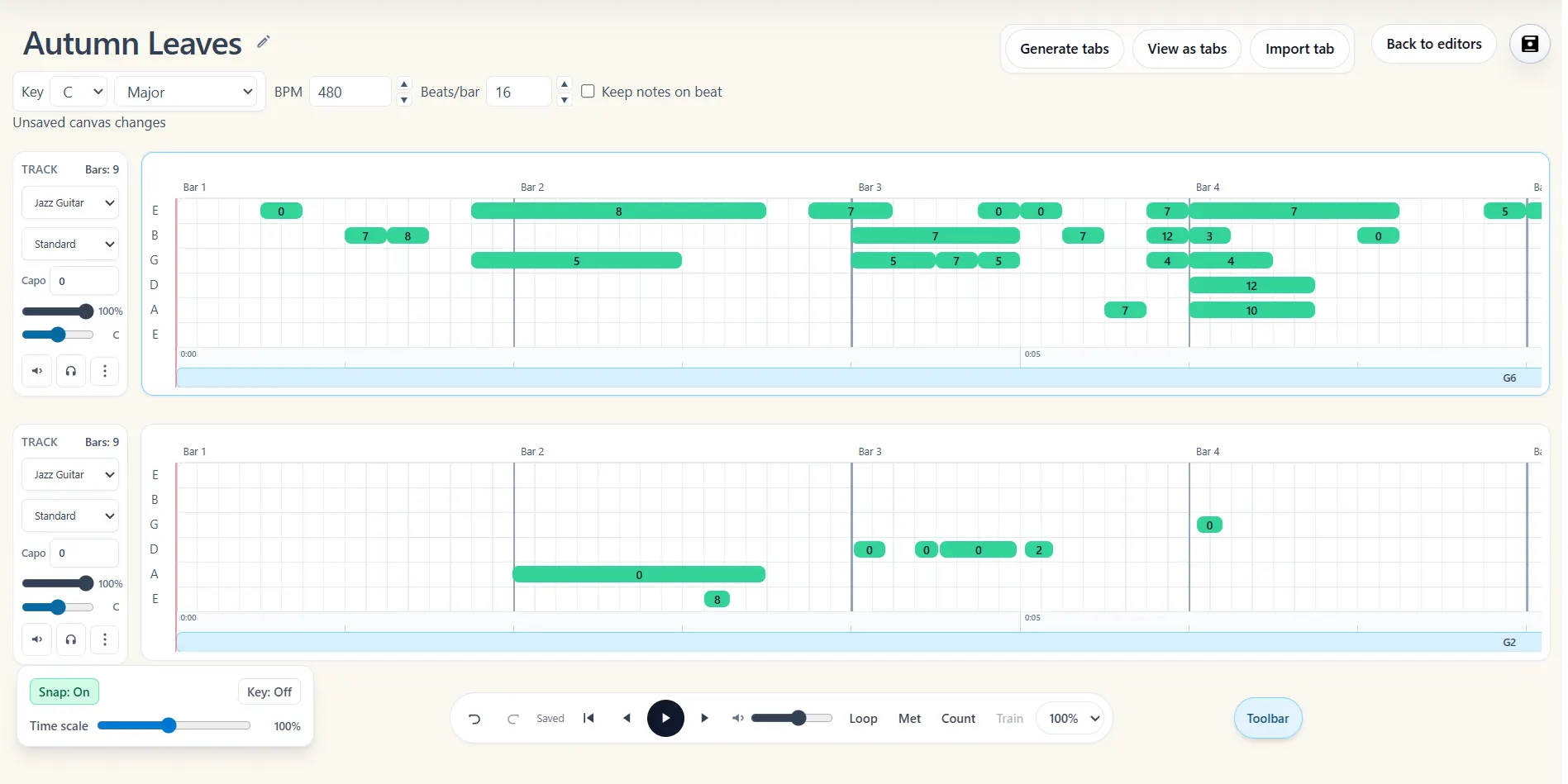
Write melodies and riffs, control their rhythm, and hear every change during playback.
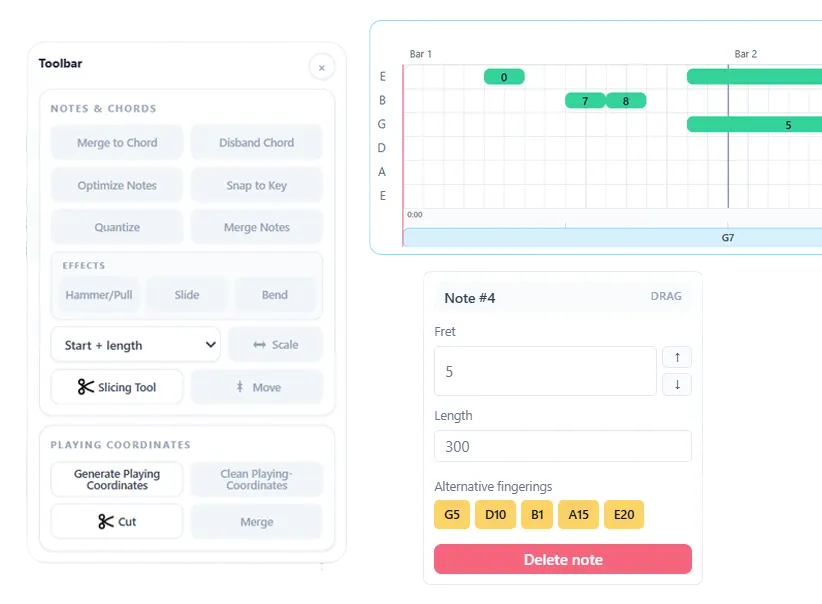
Choose shapes that make sense on guitar instead of accepting the first voicing.
Compare single-note positions and keep the version that is easier to practice.
Split verses, choruses, and phrases so the tab is easier to read.
The same pitch can live in several places on the fretboard. Compare positions, choose realistic chord shapes, snap ideas to a key, and keep phrases in a hand position that makes musical sense.
Write a tab yourself or open one created by the transcriber, then play it with guitar sounds, loop difficult sections, and use train mode to build speed gradually.
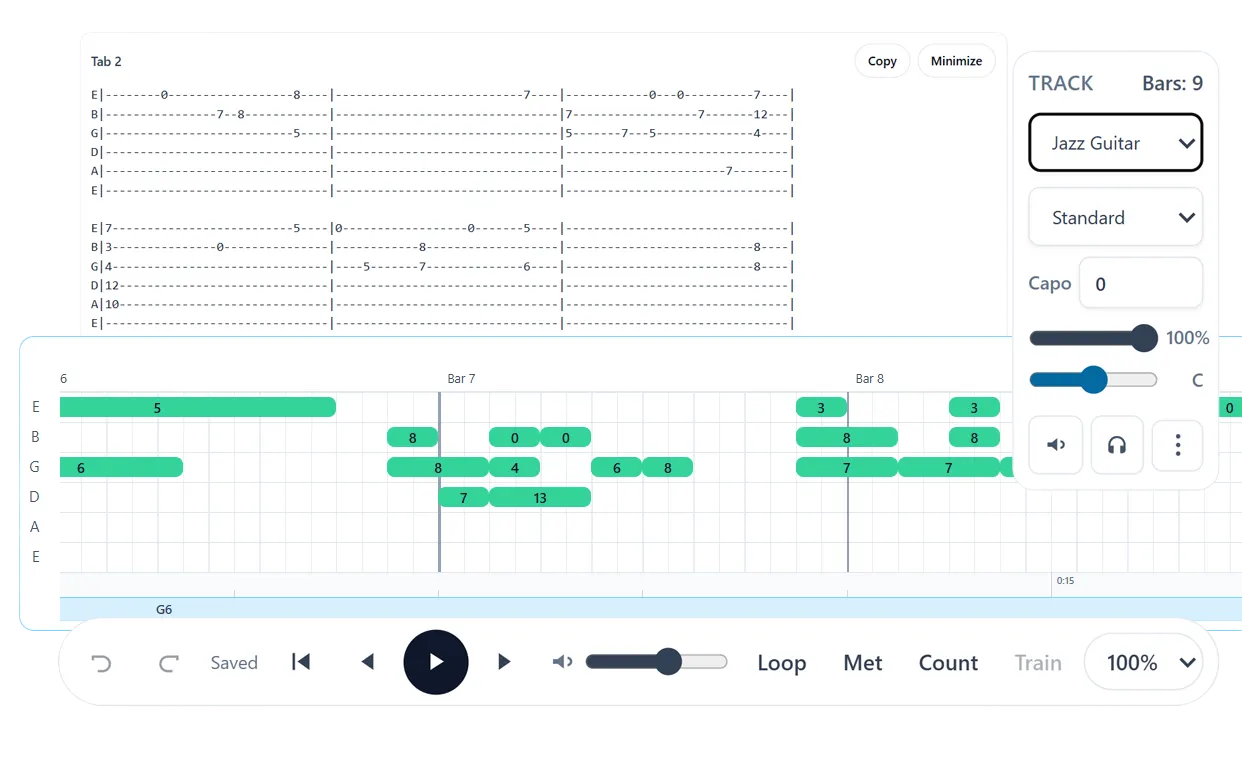
Write from a blank tab, import an existing file, or create a project from audio with the Note2Tabs transcriber.
Compose notes, arrange sections, choose chord shapes and fingerings, and add the techniques that define the part.
Sign in when you want to save tabs in your library and return to them later.
Guest mode opens immediately. Create an account only when you want to save your work.
Yes. You can open a blank tab in guest mode and use the editor without paying. Sign in when you want to save work in your library.
Yes. Note2Tabs runs in the browser, so you can open a blank guitar tab and start editing online.
Yes. A Note2Tabs transcription opens as a native editor project, with the same timing, fingering, chord, arrangement, playback, and practice tools as any tab you create yourself.
You can start in guest mode first. Sign in when you want to keep tabs in your library and return to them later.
Yes. AI-generated tabs open as fully editable projects. The editor is also a complete standalone tab-making workspace, so transcription is an optional starting point rather than a requirement.
You can write riffs, solos, chord progressions, fingerstyle parts, lesson exercises, cover song sections, and full guitar arrangements directly in the browser.
No installation and no account required to begin.